Starting January 1, 2027, School Facility Program applications will be submitted through OPSC Online.
Architects will need their own OPSC Online account and authorization from each district they work with before they can participate in the application process.
It’s worth getting started early so account or authorization issues don’t hold up an application later.
Step 1: Request or confirm your OPSC Online account
If you already have an account, sign in to OPSC Online using your unique email address.
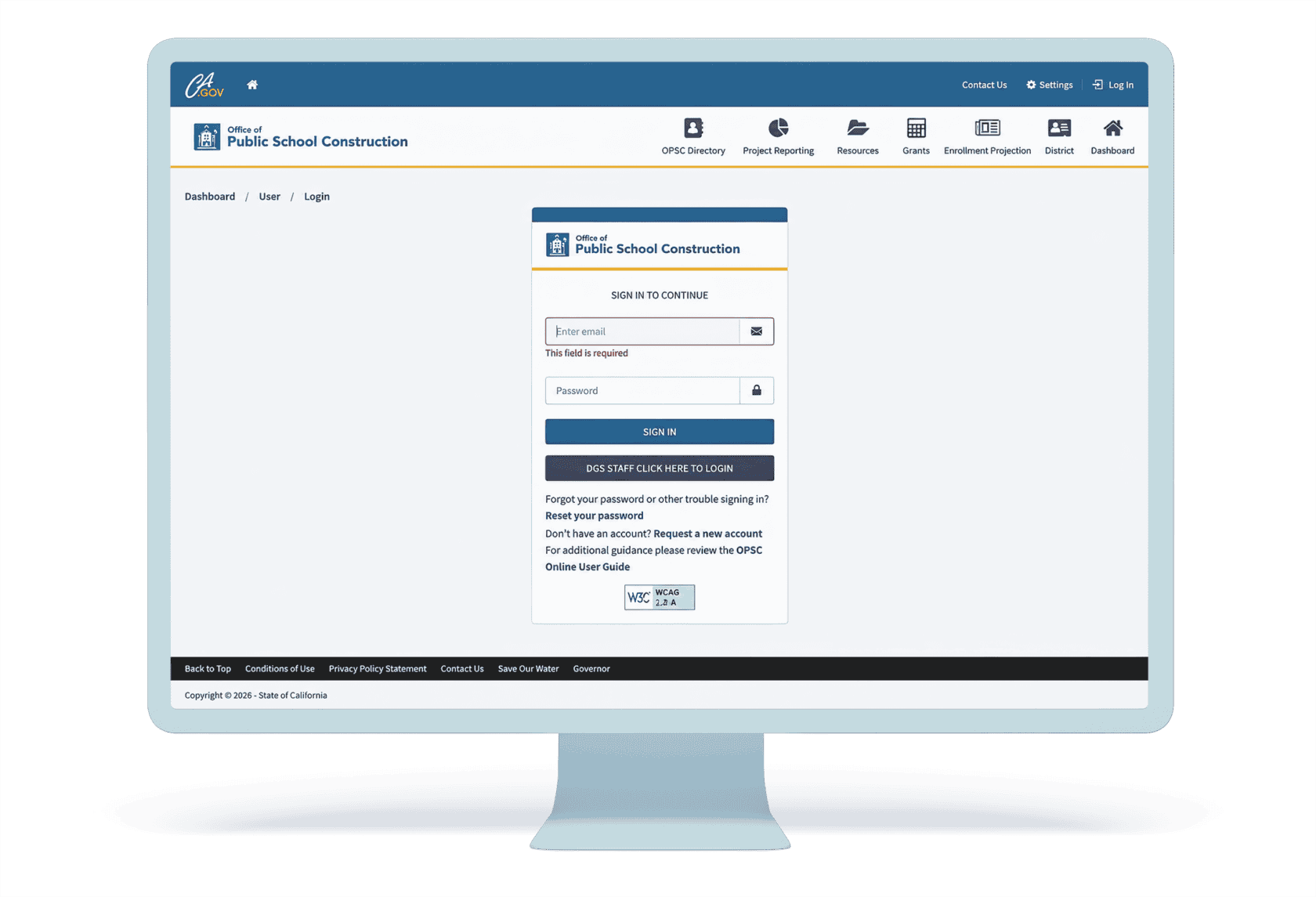
If you need an account, OPSC can create one for you and other members of your architect team. King recommends compiling a list of all Architects of Record (AORs) who will be signing applications and emailing it to Adrian Felseghi at Adrian.Felseghi@dgs.ca.gov.
Include the following information for each AOR:
- Name
- Phone number
- Role: Architect
Step 2: Confirm your new account
When OPSC creates your account, you will receive a confirmation email.
Follow the email instructions to confirm your account and create a password. Your email address will be your username.
If you already have a confirmed account, proceed to Step 3.
Step 3: Get authorized by each district
Once your account is created and confirmed, contact your district clients and ask them to add each AOR to their OPSC online accounts.
Having an OPSC Online account does not automatically give you access to a district. Each district’s Superintendent or Authorized District Representative must authorize you.
If you work with multiple districts, confirm that each district has granted you access.
Important: OPSC states that if you are already assigned to one school district, the Superintendent or District Representative must contact OPSC staff to add access for additional districts.
The district will assign you the Architect role. This allows you to create draft applications and review/certify applicable cost estimates. Only the Superintendent or District Representative can submit the application.
Step 4: Verify your district access
Log in and confirm that each district you work with appears under your account and that you have the Architect role.
If a district is missing, contact that district’s Superintendent or Authorized District Representative.
Questions? Reach out to us. We’re happy to help you get ready for OPSC Online.